Employee AI Assistant
Improving the functionality of a workplace application


Objective
This project aimed to improve the usability and functionality of an in-house AI resource so that employees would integrate the tool into their workflows, thereby increasing their productivity.
Measures of success
Increased use of the AI app by employees
Increased employee productivity and job satisfaction
Reduced dependency and cost on third-party technology


Target users
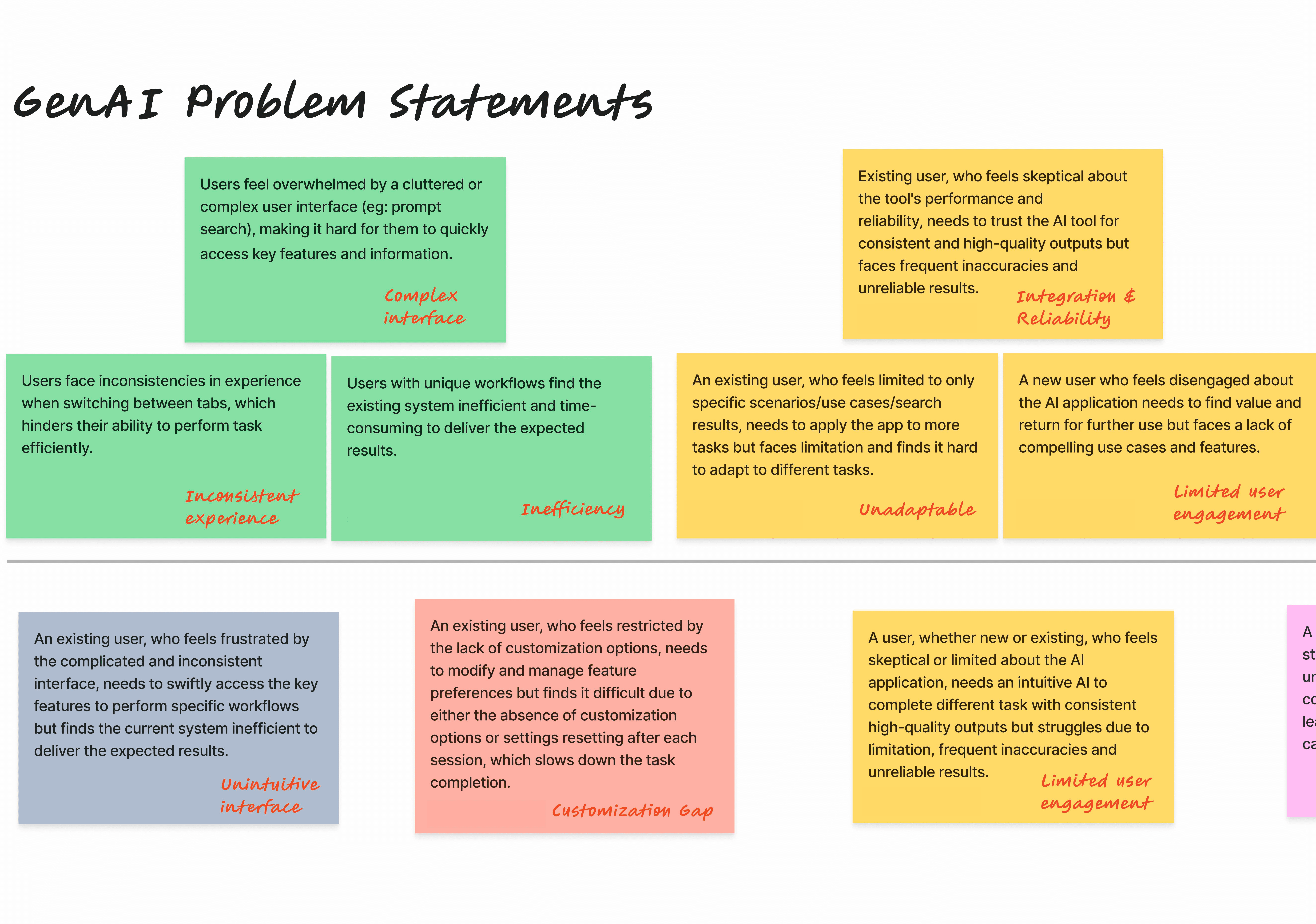
From the survey and pilot data, we identified 3 groups of users with unique needs.
Novice users — employees unfamiliar with AI technology. They need help navigating the application and understanding how it can benefit their work.
Familiar users — employees with some understanding of AI technology and its uses. They need guidance to discover how the application can facilitate their work.
Expert users — employees proficient with AI technology. They're slowed down by the unfriendly interface and poverty of functionality.
Target solutions
We coordinated with the developers' scheduled enhancements to deploy solutions in two phases.
Phase I – improve interface
Lower the barrier to entry for novice users. They need a simple interface that provides guidance and feedback.
Increase ease of use. The interface should be intuitive so employees elect to use it to streamline their work, rather than view the app as a hinderance.
Phase II – improve capabilities
Provide functions the users need. The application must have features that support the tasks and workflows of employees.
Improve customization. The application should retain data and accommodate the unique preferences of the employee.
Exploring structure
While most competitors integrated features into one experience, the current state had a separate tab for each feature—Chat, Prompt, Doc Q&A, and Doc Summary.
I met consistently with the developers to understand how the underlying tech was partitioned and we explored ways to combine features into one cohesive conversation.


Because of capacity and time constraints, we shelved the unified state. The app features would continue to operate separately, so we kept them as separate tabs.
Content strategy
Simple explanations
Consistent voice
Reduced ambiguity
Contextual help
Actionable language
Empathetic guidance


Design strategy
Simple
Unified
Intuitive
Accessible
Responsive
Customizable


