Employee AI Assistant
Content strategy
Simple explanations
Since the majority of employees have little to no familiar with AI, I leveraged plain language to help explain complex features.


Consistent voice
I extended the AI assistant's voice throughout the experience to really make it feel alive. Not only does this bring levity and fun opportunities, but it creates a unified voice.

To make the most of a legal requirement, I had the AI set the vibe by introducing itself.

I used first person for system messages like this to maintain the immersive AI experience.
Reduced ambiguity
The app needed better-structured info to help users understand what the app is asking of them.

Employees can only upload certain info to the AI. It's crucial to be clear, even when the stakes aren't this high.
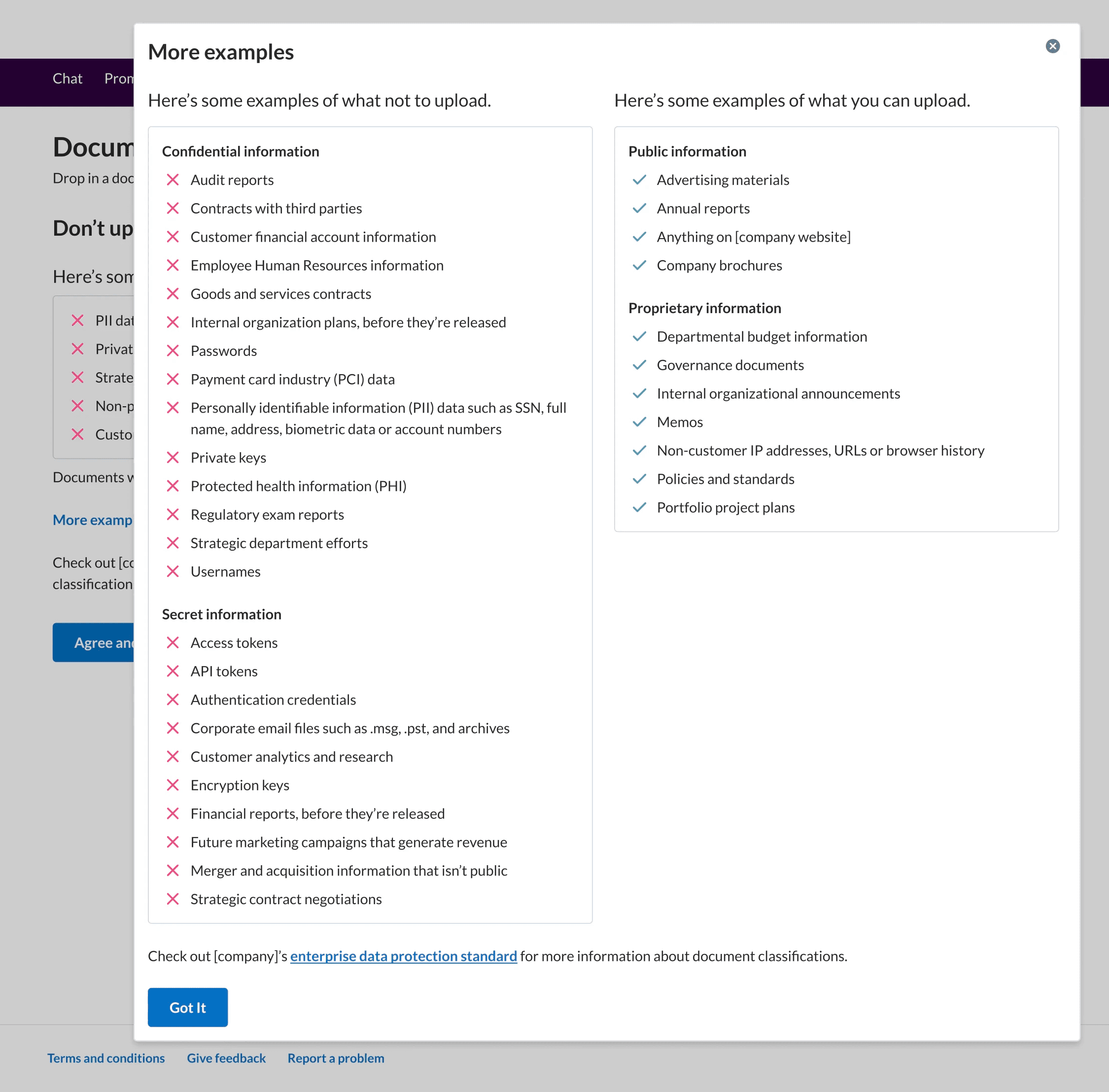
Organized examples help guide users when there isn't a comprehensive list.
Contextual help
In this example, info is revealed as the user progresses through the form. This way, the user only gets info that's relevant to their next step.


Actionable language
Whether it's an error message, a suggestion, or an explanation, I include action items for the user. This helps the user feel empowered and keep moving forward.

The pop-up tip (bottom right) defines tokens and prepares the user for more info later.
The alert (top) explains the new info, why it matters, and what the user should do next.
Empathetic guidance
By understanding tech limitations and the users' expectations, I can tell users how to avoid problems. I temper directness with positive tone so the user feels cared for.
In this example from Document Q&A, the system doesn't save its responses. Since most users expect an app to retain data like this, I needed an alert to communicate this to the user at the start of each session.

The alert (top) explains plainly that the output won't be saved, and it serves the user a solution.